
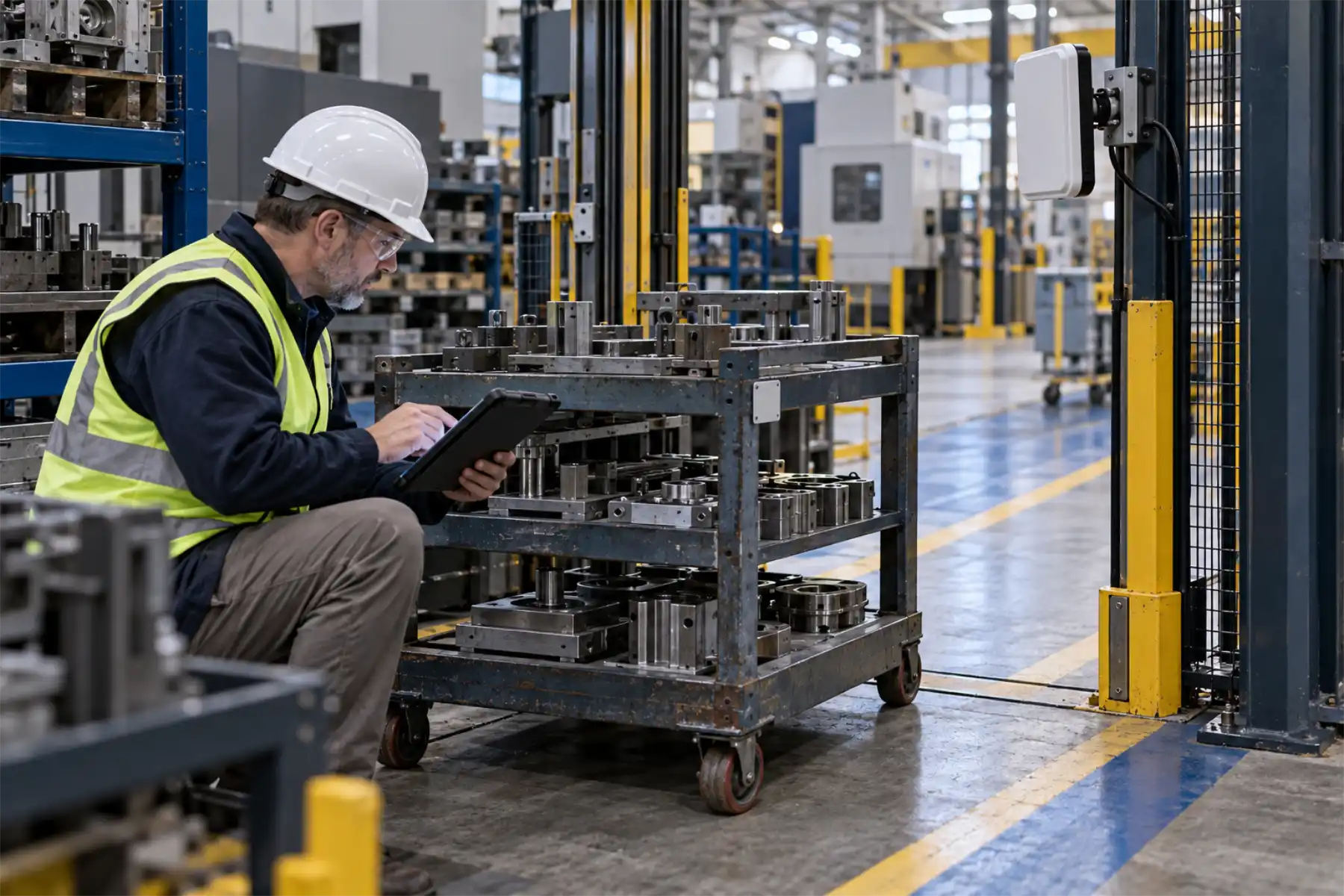

Track warehouse moves with RFID, from receiving dock to shipping door.
RFID readers identify tagged material as it moves through your warehouse. FactorySense connects those moves to your ERP or WMS. One team handles the project from the first site visit through installation and ongoing support.
From tag read to warehouse update.
Readers at selected doors and lanes pick up tagged material as it passes. FactorySense.io works out which material moved and where it went, and filters repeat reads of the same tag. A move that meets your workflow rules can update the ERP or WMS. Your team can review unexpected items or an incomplete transfer before it posts.
Start where warehouse records fall behind.
A pallet has reached the dock, but the receipt is still waiting for someone to scan it. Or production is looking for a container the warehouse says it already sent. These are useful places to start.
At the receiving dock, readers identify arriving tagged material. FactorySense matches it to the expected delivery and sends discrepancies to your team for review before posting the receipt.
Material left in the wrong staging lane holds up the next move. A reader at the zone entrance shows what came in, and your team sees anything that doesn't match its assigned spot or putaway location.
Follow a tagged container from the warehouse into production. Operators can check when it left and whether it reached the next monitored location.
FactorySense checks tagged material crossing a shipping door against the shipment it belongs to and flags anything that doesn't match. Your shipping team decides what has to be confirmed before the shipment record updates.
Use fixed readers for movement and handhelds for counts.
Fixed readers suit doors or lanes where material crosses a defined boundary. Handhelds are useful for counting stock on a shelf. A metal container can affect a tag read; so can the way a load is packed or the speed of a passing forklift. We test tags and antennas on your actual loads, including traffic in adjacent lanes. We also agree with you on what happens when a move is missed or unclear. Doorway reads show crossings and the last monitored location; continuous location within an open area requires a different setup.
A container moves from receiving into production.
A tagged container arrives at receiving and is matched to its material record. Later, the order of reads at the warehouse exit shows it heading toward production. FactorySense.io checks the move and sends the transfer to your ERP or WMS. A container that goes to the wrong monitored destination, or never completes the transfer, appears in an exception queue. Duplicate reads are filtered before the transfer posts.
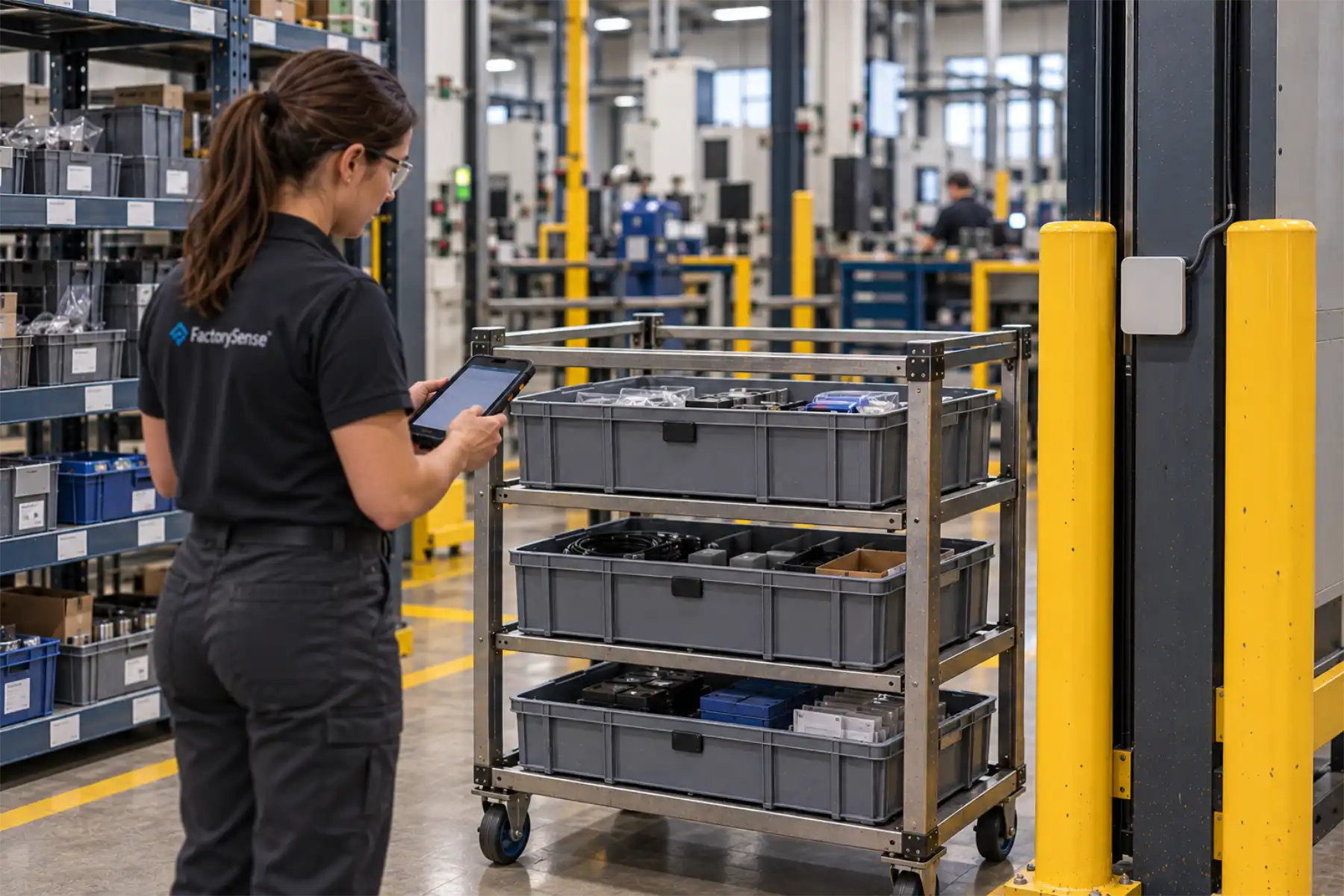
A composites manufacturer replaced paper travelers with RFID handoffs.
An advanced composites manufacturer used barcode scans and paper travelers to follow rolls and cut kits through production. FactorySense added RFID at selected handoffs and connected the movement history to the company's existing ERP and MES records.
Test one workflow before adding more doors.
We start with a real receiving or transfer workflow and test it under normal warehouse traffic. Your warehouse and IT teams can check the reads and ERP or WMS updates before the rollout expands. FactorySense stays responsible through installation and support.
01
Define
Choose the warehouse move to improve and identify where staff spend time finding material or correcting records.
A first workflow and a clear test
02
Design
Test tags on your actual loads. Plan the read points and how each move will update the ERP or WMS.
Read-point and integration design
03
Validate
Run the workflow with real traffic. Check missed moves, duplicate reads and reads from the next lane. Have operators work through the exceptions.
Test results to decide on rollout
04
Deploy
Install the approved setup, check the ERP or WMS updates and train operators to handle exceptions.
A live workflow and a trained crew
05
Support
Support the live system and check the read points again when loads or warehouse layouts change.
Support and a practical expansion plan
Planning an RFID warehouse tracking system.
What can RFID track in a warehouse?+
RFID can identify tagged material, containers and equipment as they pass a reader. That gives you a history of arrivals and moves, including where an item was last seen. We test the tags on your actual loads to check what can be read reliably.
Does RFID replace a warehouse management system?+
No. Your WMS or ERP still manages stock and orders. RFID tells it what physically moved. FactorySense connects the tags to your item records and sets up which moves update the system and which need someone to review them.
Do we need fixed readers or handheld readers?+
Fixed readers suit selected movement points such as doors or transfer lanes. Handheld readers suit counts and targeted searches. Many applications use both. The right arrangement depends on which transactions you need to capture and how material moves.
Can RFID confirm the direction of a warehouse movement?+
Yes, with the right setup. The order of reads across a doorway can show whether a tag is moving in or out. We test the antenna arrangement with real traffic, including material that stops near the door or turns back.
Can we keep barcodes in the workflow?+
Yes. Barcode scans can remain useful for exceptions or when a tag will not read. We connect both methods to the same material record and set rules so the same move isn't posted twice by both.
What determines the cost of warehouse RFID tracking?+
The number of read points and the work needed to install them are major factors. The estimate also needs to cover tags, software and integration with your ERP or WMS. Unusual loads can require more testing. A site assessment helps us put a realistic scope and budget around the project.
Talk to us about your warehouse.
Tell us what moves through your warehouse and where the records fall behind. We'll review the workflow, the facility and your systems, then explain where RFID can help.